
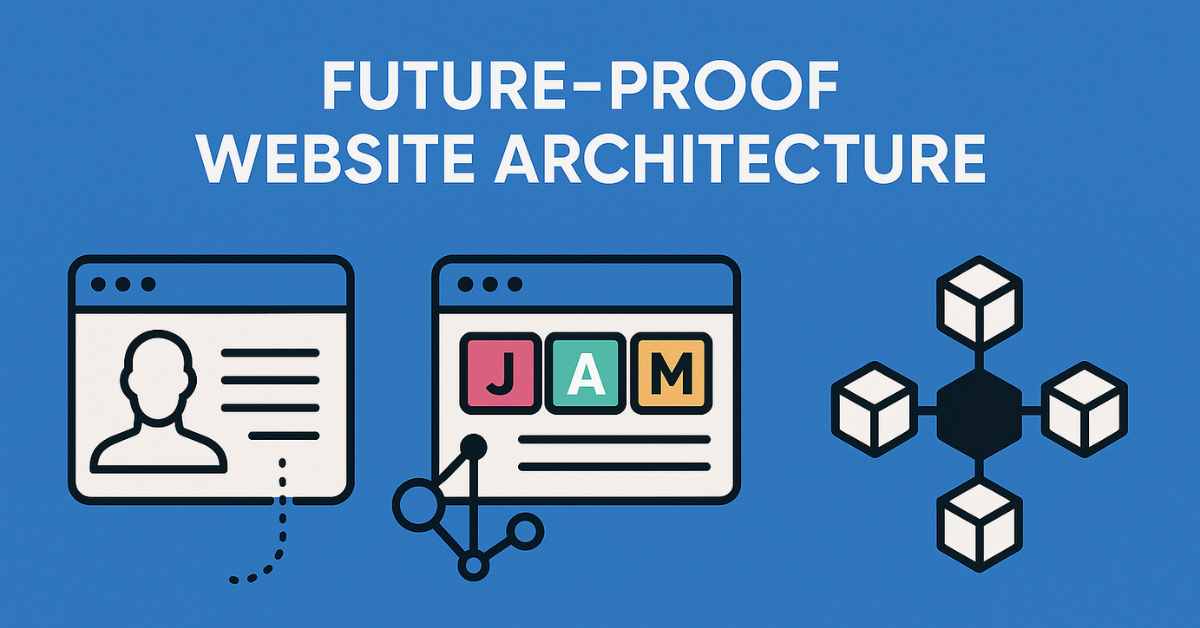
Websites built today must last through shifts in technology, audience expectations, and new platforms (mobile, voice, IoT). A monolithic, tightly coupled architecture often becomes a liability over time.
In this article, you’ll learn how to design a future-proof website architecture using modern approaches: headless CMS, JAMstack, and microservices/composable architecture. We’ll cover what each means, how they work together, trade-offs, and how to pick what fits your project.
Quick Facts & Context
-
JAMstack stands for JavaScript, APIs, and Markup — a decoupled approach to web development.
-
Headless architecture decouples frontend (presentation) from backend (data and business logic), typically using APIs.
-
Composable / microservices architectures allow systems to be built from modular components (services) that can be independently developed, scaled, replaced.
-
The shift from monolithic CMS (e.g. WordPress with theme + plugin ecosystem) to API-first, modular systems is gaining adoption among modern web teams.
Core Concepts Explained
Traditional (Monolithic) vs Decoupled / Headless
In a traditional CMS (e.g. WordPress, Drupal), backend and frontend are tightly coupled: content storage, business logic, and UI templating reside in one system. Changes to one part often affect the rest.
In a headless architecture, the backend (content, logic) is separated from frontend presentation. The frontend “consumes” data via APIs (REST, GraphQL). This separation grants flexibility in choosing frontend technologies and supports multi-channel delivery (web, mobile, IoT).
Advantages
-
Frontend flexibility: use React, Vue, Svelte, or any modern JS framework
-
Multi-channel content: publish once, display on web, app, kiosk, etc.
-
Better performance (via pre-rendering / caching layers)
Challenges
-
More architectural complexity (API, security, caching)
-
More development overhead, especially early on
-
Editorial / preview workflows are more complex
JAMstack – A Modern Approach to Web Architecture
JAMstack is a web architecture pattern where sites or apps are built using JavaScript, APIs, and Markup.
How it works
-
At build time, static pages (markup) are generated (pre-rendered)
-
These pages are deployed to a CDN for fast delivery
-
Runtime interactivity, dynamic functionality is handled by JavaScript and APIs (serverless functions or third-party services)
Benefits of JAMstack
-
Excellent performance (assets delivered from CDN)
-
Very high security (less server-side surface)
-
Scalability—CDN scaling is easier
-
Developer experience: separation of concerns, simpler debugging
Limitations / When it might not fully apply
-
Content that changes very frequently or in real-time
-
Complex application logic that demands backend state
-
Very large monolithic legacy systems
Microservices & Composable Architecture
While headless and JAMstack focus on frontend/backend decoupling, microservices / composable architecture deals with how backend components are organized. Instead of having one large monolithic backend, you split into small, loosely coupled services that each do one job (e.g. user service, payment service, search service). These communicate via APIs.
The MACH architecture acronym captures this: Microservices, API-first, Cloud-native, Headless.
Benefits
-
Each service can scale independently
-
Easier to update / replace one service without affecting others
-
Encourages best-of-breed solutions (you can use the “best” search engine, best email provider, etc.)
-
Improves resilience: failures isolate
Challenges
-
Increased complexity in orchestration, networking, service communication
-
Latency overhead from many API calls
-
Operational burden (monitoring, deployment, versioning)
Building a Future-Proof Architecture — A Stepwise Guide
Here’s a roadmap you can follow:
1. Define Your Requirements & Constraints
-
What content types, traffic, user interactions do you expect?
-
How often will content change / require real-time updates?
-
Do you need multi-channel delivery (app, kiosk, IoT)?
-
What is your team’s expertise (frontend, backend, DevOps)?
2. Pick the Right Mix of Patterns
You don’t have to adopt all three at once. In fact, many systems use a hybrid approach:
| Layer | Possible Choice | Why / Use-Case |
|---|---|---|
| Content / CMS | Headless CMS (Contentful, Strapi, Sanity, etc.) | Decouples content authoring from frontend |
| Presentation | JAMstack / static + hydration / hybrid SSR | Fast, scalable, CDN-based delivery |
| Services / Logic | Microservices / serverless functions | Modularity & independent scaling |
| Integration | API gateway / orchestration layer | Control interface between frontend and backend services |
For example:
-
Use a headless CMS to manage content
-
Use a JAMstack frontend (Next.js, Gatsby) to generate pages
-
Use serverless microservices (AWS Lambda, Azure Functions) or independent APIs for features like search, payments, etc.
3. Design Data & API Contracts
-
Define clear API schemas (REST or GraphQL)
-
Version APIs early to allow changes without breaking clients
-
Use caching, pagination, rate limiting at API level
4. Setup Build & Deployment Pipelines
-
Automate static site builds when content changes
-
Use CI/CD for microservices
-
Use CDNs or edge networks to distribute static assets
5. Handle Preview & Editorial Experience
One difficulty in decoupled systems is giving content editors live preview of pages before publishing. Approaches include:
-
Preview mode via secured preview APIs
-
Incremental builds / on-demand rendering
-
Preview environments tied to content branches
6. Monitor, Scale & Refactor
-
Instrument metrics (latency, traffic, errors)
-
Use observability (logs, tracing, dashboards)
-
Refactor services/modules when needed
Trade-Offs & When Not to Use These Patterns
| Scenario | Traditional Approach May Be Better | Why |
|---|---|---|
| Simple blog / low traffic site | Monolithic CMS is simpler to set up | Overengineering unnecessary complexity |
| Very tight deadlines & small team | Traditional CMS gives faster MVP | Less architectural overhead |
| Heavy reliance on legacy plugins / ecosystem | Switching to headless might break features | Porting features can be expensive |
In short: architecture should match your scale, team, and goals. Moving to headless/JAMstack/microservices is not always optimal if your site is simple and stable.
Real-World Examples & Use Cases
-
Many modern marketing sites use headless CMS + JAMstack to serve fast landing pages, blog sections, etc.
-
E-commerce stores often adopt a headless commerce model (frontend decoupled, backend via APIs) for greater flexibility.
-
SaaS platforms often build using microservices / composable architecture, breaking features into independent services.
Conclusion
Designing a truly future-proof website architecture means thinking modular, decoupled, and flexible.
-
Use headless CMS to separate content from presentation
-
Use JAMstack to deliver fast, secure, scalable frontends
-
Use microservices / composable architecture to modularize backend logic
You don’t have to adopt everything all at once — start small, experiment, and evolve as your project grows.
FAQs
Q: Can I use WordPress in a headless setup?
Yes — WordPress can act as the backend CMS (headless WordPress) with its REST API or GraphQL, while the frontend is built in a modern JS framework. But note: WordPress wasn’t designed as headless, so you may face limitations.
Q: How do I preview content before publishing in a headless / JAMstack setup?
You can implement preview mode via secure APIs, use on-demand rendering for preview builds, or maintain a staging environment tied to content branches.
Q: Is JAMstack only for static sites?
Not strictly. Many frameworks (Next.js, Nuxt.js) support hybrid modes where part is statically generated and part is server-side rendered or uses serverless functions